

When your copier isn't working properly, getting it back up and running quickly is our top priority.
Whether your experiencing paper jams, print quality concerns, scanning issues, error messages, or other equipment problems, the information provided during your service call plays an important role in how quicky we can diagnose the issue and begin working toward a solution.
While every service call is different, one thing remains consistent: the more information available at the start of the process, the faster we can work toward a solution.
Why we ask so many questions
If you ever called for service, you've probably been asked questions such as:
Sometimes these questions uncover important details that help point us in the right direction immediately.
For example, the statement "the copier won't scan" can actually describe several different situations:
Although the symptom seems similar, the cause and solution may be completely different in each case.
A few minutes can save a lot of time
Before placing a service call, it's helpful to gather some basic information about the issue.
Knowing the copier's location, understanding what the user was trying to do, and having any error messages available can help us start troubleshooting sooner and reduce the need for follow-up calls.
This doesn't mean you need to diagnose the problem yourself. It simply gives our team a stronger starting point.
Calling on behalf of someone else
Many organizations have a receptionist, office administrator, or office manager place service calls on behalf of other employees. That's perfectly normal and often the most efficient way to manage equipment support.
However, before making the call, it can be helpful to spend a minute with the person experiencing the issue. They can often provide details about what they were doing when the problem occurred and explain exactly what they are seeing on the copier's display.
Those small details can make a significant difference when diagnosing an issue.
Download our copier service call worksheet
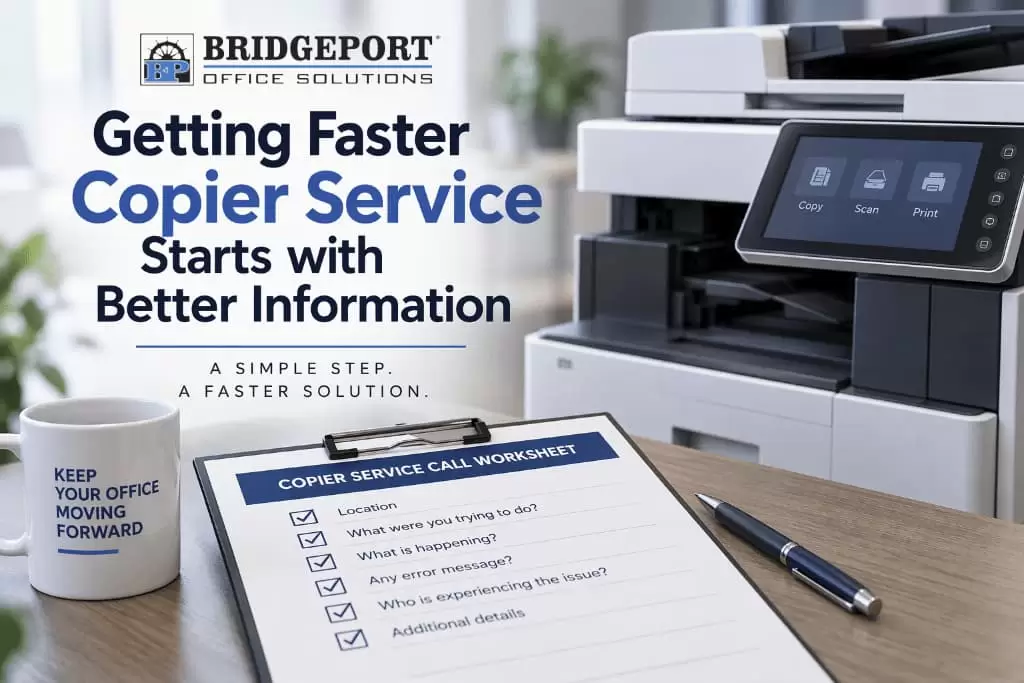
To make service calls easier, we've created a simple Copier Service Call Worksheet that can be kept near your copier, reception desk, or office administration area.
The worksheet helps you gather the information our team commonly needs when opening a service request, making the process quicker and more efficient for everyone involved.
Download the worksheet and keep a copy handy for the next time service is required.
Our goal
At Bridgeport, our goal is simple: minimize downtime and keep your office productive.
When we have clear information from the start we can troubleshoot more efficiently, ask better questions, and get your issues moving toward resolution as quickly as possible.
After all, faster service starts with better information.